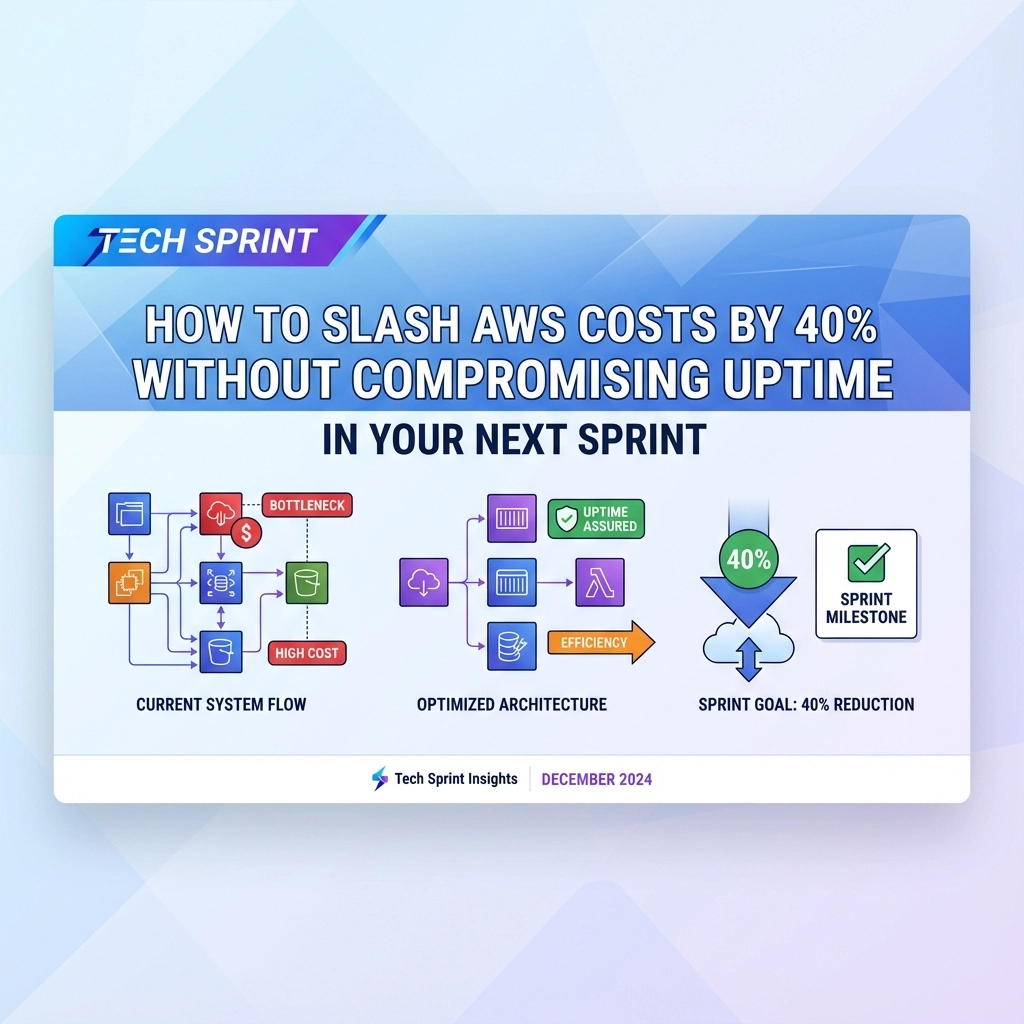
After managing cloud infrastructure for companies like ZePay and scaling systems at Transglobe Education as National Technical Head, I’ve seen countless organizations burning through AWS budgets while their systems run at 20% capacity. The good news? You can cut 40% of your AWS costs in your next sprint without a single minute of downtime.
Here’s exactly how I’ve helped CTOs achieve this transformation, and how you can implement these strategies immediately.
Week 1: The Quick Kill Strategy 🎯
Stop paying for digital ghosts. Every AWS environment harbors unused resources that drain budgets silently. During my time at Sun Construction as Lead Project Manager, we discovered $3,200 worth of monthly charges from resources that hadn’t been touched in months.
Start with these immediate wins:
- Idle EC2 instances – Check CloudWatch metrics for instances with <5% CPU utilization over 30 days
- Orphaned EBS volumes – Unattached storage volumes billing you for nothing
- Unused Elastic IPs – AWS charges $0.005/hour for each unused Elastic IP
- Forgotten Load Balancers – Classic Load Balancers with zero traffic
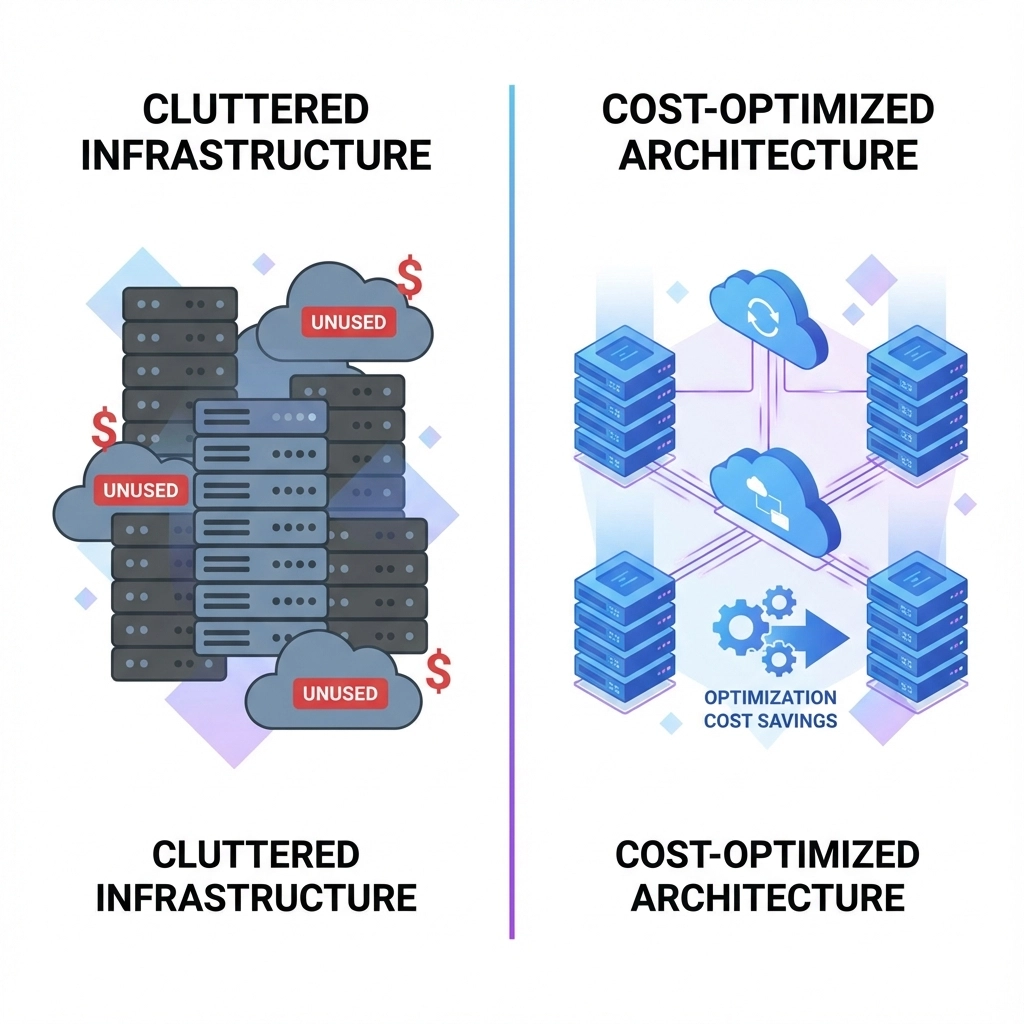
Implement automated shutdown schedules for development environments. If your dev teams work 9-5, why run instances 24/7? Automated schedules can cut development costs by 70% instantly.
At The Dev Tutor, we implement this for every client during their first sprint. The result? Average savings of 15-25% in week one alone.
Week 2: Right-Sizing Revolution
Your instances are probably oversized. Most organizations provision for worst-case scenarios and never optimize down. This kills budgets faster than any other mistake.
Use AWS Trusted Advisor and CloudWatch to identify:
- CPU utilization patterns – Instances consistently under 40% can be downsized
- Memory usage – Right-size based on actual consumption, not estimates
- Network performance – Many workloads don’t need high-performance networking
Pro tip from the trenches: When scaling ZePay systems, we reduced instance costs by 35% simply by moving from m5.2xlarge to m5.large instances after analyzing actual usage patterns over 90 days.
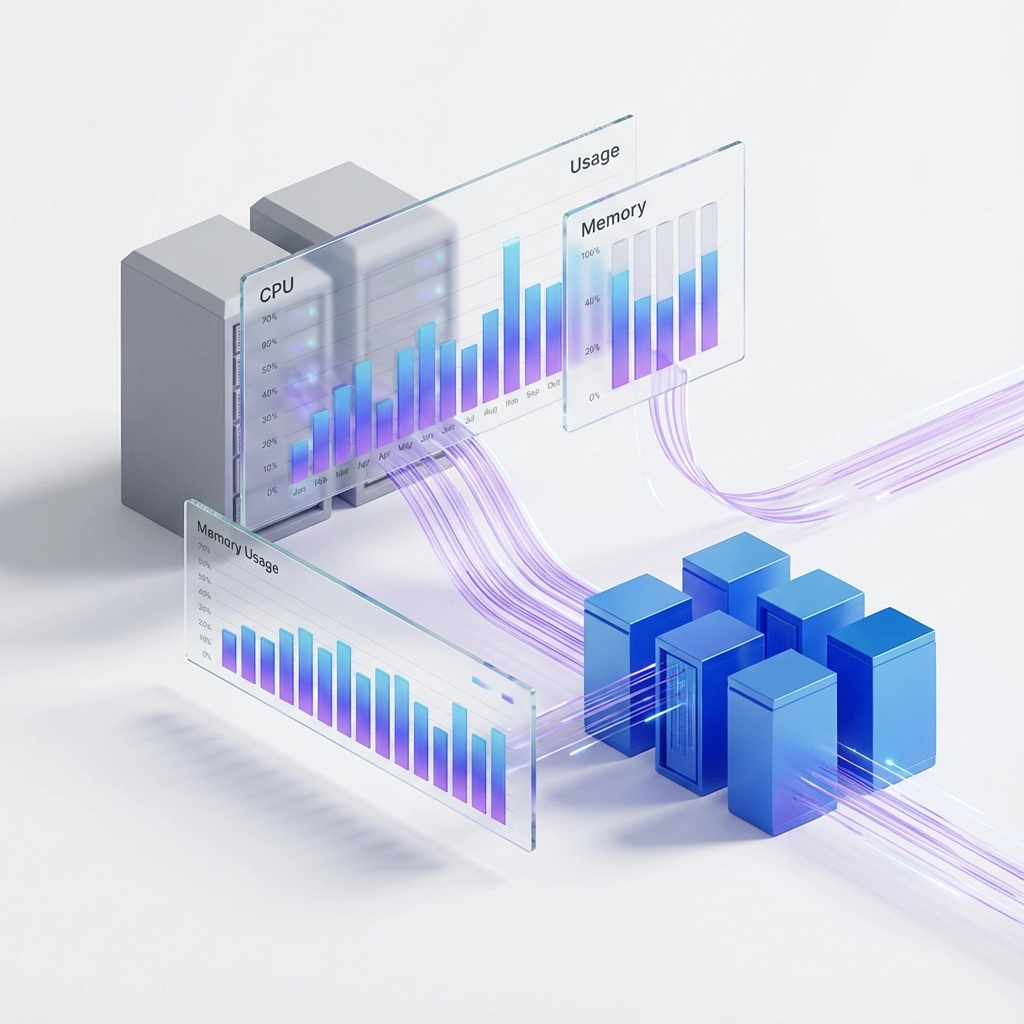
Deploy Auto Scaling Groups to match capacity with real demand. Stop paying for peak capacity during off-hours. Auto-scaling eliminates the guess-work and ensures you’re only paying for what you actually need.
Week 3: The Spot Instance Game Changer 💰
Spot Instances can cut compute costs by 90%. But most CTOs avoid them thinking they’re unreliable. Wrong approach.
Here’s where Spot Instances excel without compromising uptime:
- CI/CD pipelines – Perfect for build processes
- Batch processing jobs – Data analysis, image processing, ETL jobs
- Development environments – Interruptions don’t matter
- Stateless services – Web servers behind load balancers
At ZePay, we run our entire data processing pipeline on Spot Instances, saving $4,800 monthly while maintaining 99.9% job completion rates.
Implementation strategy: Start with 20% of your compute capacity on Spot, monitor performance, then gradually increase. Use mixed instance types and availability zones to minimize interruption risk.
Week 4: Strategic Purchasing Power
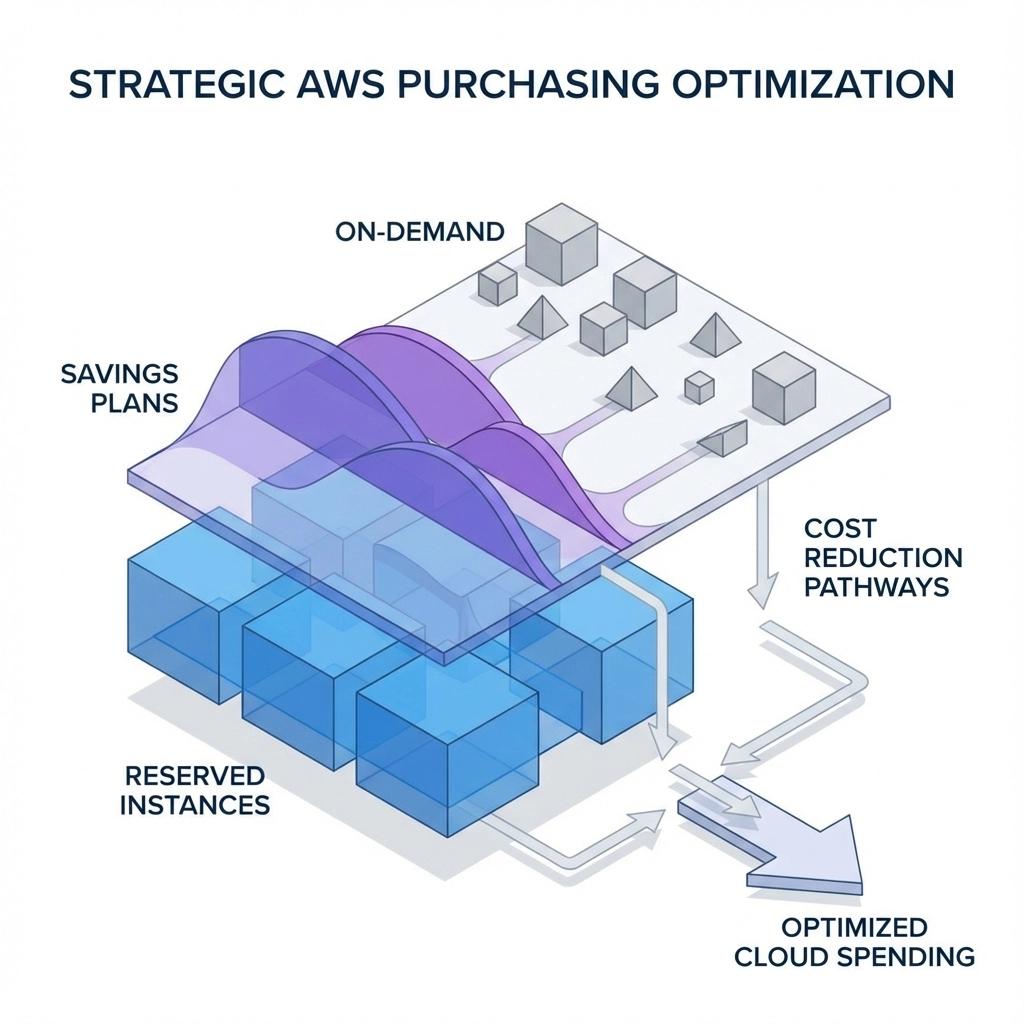
Commit to save big. Once you’ve optimized your actual usage, lock in discounts through strategic purchasing.
Compute Savings Plans offer up to 66% savings with flexibility across:
- EC2 instances (any family, size, or region)
- AWS Fargate containers
- AWS Lambda functions
Reserved Instances provide up to 75% discounts for predictable workloads. Perfect for:
- Database servers running 24/7
- Production web servers with consistent traffic
- Monitoring and logging infrastructure
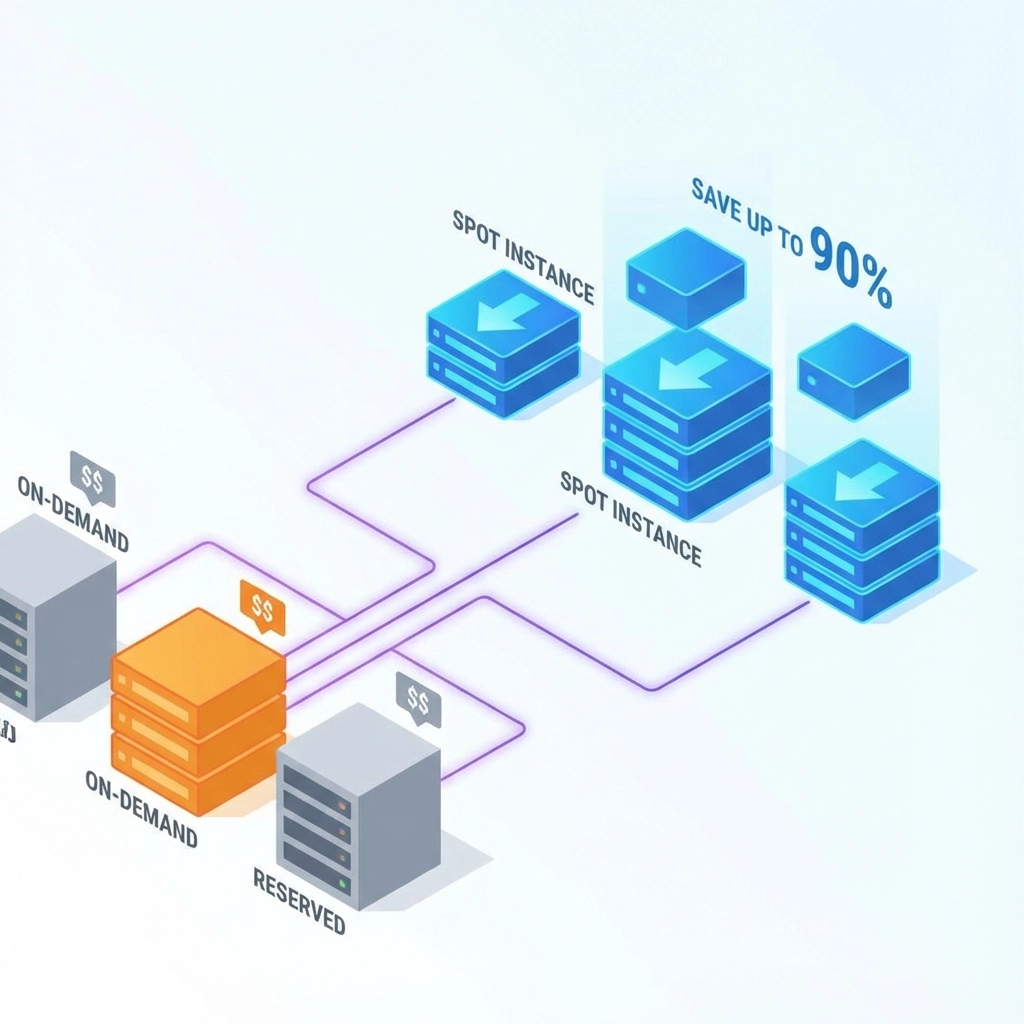
The hybrid approach: Combine Savings Plans for flexibility with Reserved Instances for your most predictable workloads. This strategy helped us reduce compute costs by 45% at Transglobe while maintaining full operational flexibility.
Storage Optimization: The Hidden Gold Mine
Most organizations waste 30-40% of storage costs by using the wrong tiers.
Implement intelligent tiering:
- S3 Standard – Frequently accessed data only
- S3 Standard-IA – Data accessed monthly
- S3 Glacier – Long-term archival
- S3 Glacier Deep Archive – Regulatory compliance data
EBS optimization strategies:
- gp3 volumes instead of gp2 for better cost/performance
- Regular snapshots cleanup – Old snapshots accumulate fast
- Volume right-sizing – Many volumes are provisioned too large
Data Transfer: The Silent Budget Killer
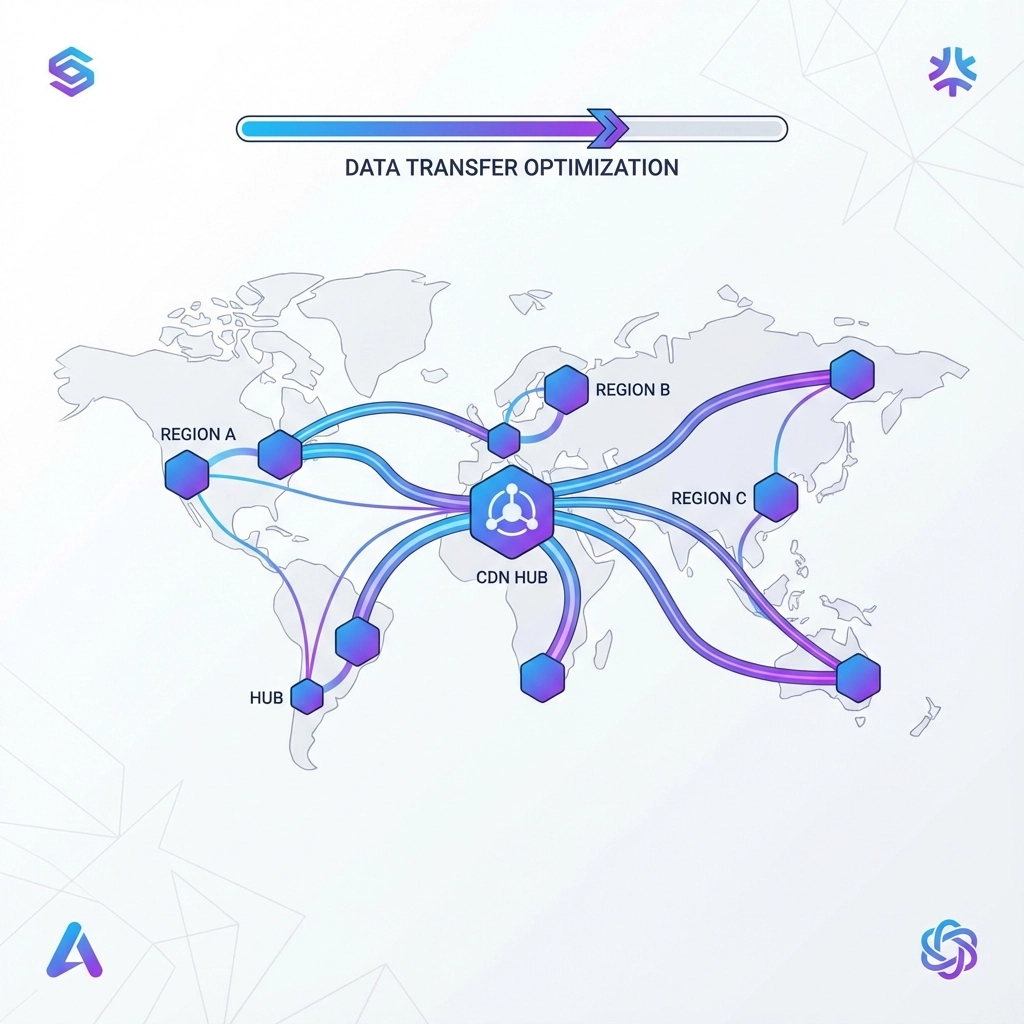
Network costs blindside most CTOs. Data transfer between regions, to the internet, and between services adds up quickly.
Optimization tactics:
- CloudFront CDN – Reduce origin server hits by 80%+
- Regional optimization – Keep related services in same regions
- VPC endpoints – Avoid internet routing for AWS service calls
- Direct Connect – For high-volume, predictable traffic
Monitoring and Continuous Optimization
Set up cost anomaly detection to catch unexpected spikes before they hit your bill. AWS Cost Anomaly Detection uses machine learning to identify unusual spending patterns.
Weekly cost reviews should be standard practice. Assign ownership of AWS costs to specific teams and implement cost allocation tags for accountability.
Real-World Results: The 40% Reduction Breakdown
Here’s how the math works for achieving 40% savings:
- Eliminate waste: 10-15% (unused resources, wrong instance types)
- Right-sizing: 8-12% (matching capacity to actual needs)
- Spot Instances: 15-20% (for compatible workloads)
- Reserved capacity: 10-15% (Savings Plans + Reserved Instances)
Total potential savings: 43-62%
The key is implementing these strategies systematically over your sprint timeline, not trying to do everything simultaneously.
Common Pitfalls to Avoid
Don’t sacrifice monitoring for savings. Maintain comprehensive observability throughout your optimization efforts. Poor visibility leads to performance issues that cost more than the savings.
Avoid over-committing to Reserved Instances without proper analysis. Start conservatively and scale up as you understand your usage patterns.
Test Spot Instance workloads thoroughly before production deployment. Not all applications handle interruptions gracefully.
Your Next Sprint Action Plan
Week 1: Resource audit and elimination of waste
Week 2: Right-sizing analysis and Auto Scaling deployment
Week 3: Spot Instance pilot for suitable workloads
Week 4: Strategic purchasing decisions (Savings Plans/Reserved Instances)
The companies achieving the best results combine these strategies with comprehensive tech audits and performance optimization. When your infrastructure is properly architected, cost optimization becomes significantly more effective.
Ready to transform your AWS spending? Most organizations see results within the first week of implementation. The strategies that took us months to perfect at companies like ZePay are now available as structured sprints through Tech Sprint by The Dev Tutor.
Don’t let another month pass with bloated AWS bills. Your next sprint could be the one that changes everything.
Want to avoid the common AI integration mistakes while optimizing costs? Or wondering if your tech stack is ready for scale? Check out our other sprint-focused guides for comprehensive infrastructure transformation.